
Registering Devices
Registers a new device in Smart Capture.
Devices are responsible for collecting production data aside from also running inference on the edge. These devices, such as autonomous vehicles, robots, surveillance systems, and IoT devices can capture valuable edge cases which can help improve model performance if used appropriately. Devices can be registered with Smart Capture on the web interface or API.
After registering a device, you can now configure and deploy triggers for that device. The Smart Capture SDK running on the device will then begin evaluating the relevant triggers for that device when deployed.
Web Interface
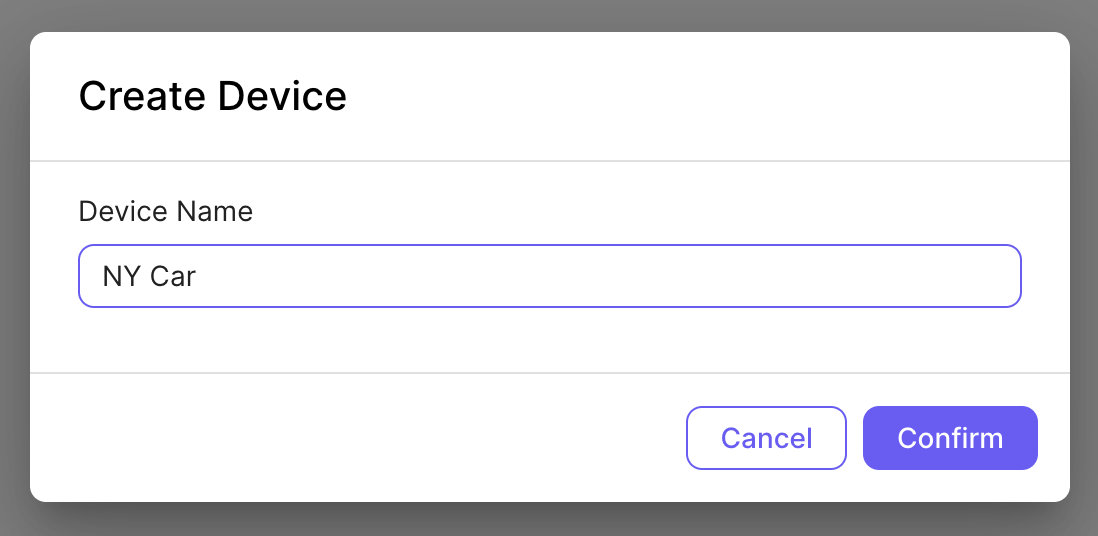
In the Smart Capture web interface, click on "Devices" in the sidebar, then click on the "Create Device" button. You will then see a modal as follows:
REST API
POST /v1/smart-capture/device
Description: Registers a new device in Smart Capture.
Body Parameters:
| Parameter Name | Required | Description |
|---|---|---|
| name | Required | Descriptive name of the device |
Response Values (JSON):
| Parameter Name | Description |
|---|---|
| date_created | Date time of the date the device was created |
| device_id | Unique device id generated for this device |
Updated 12 months ago